

Notes & drawing
Frame notes
Section titled “Frame notes”Press N to pin a note to the current frame. Jump between notes with Shift + ← / Shift + →. Navigation is frame-accurate: a note on frame 739 lands on frame 739. Show note positions as timecode or frame numbers (the list follows the player’s TC/Frames mode) and filter by a timecode range. Detected shots appear in the same list as cards, sorted by timeline position alongside notes and takes.
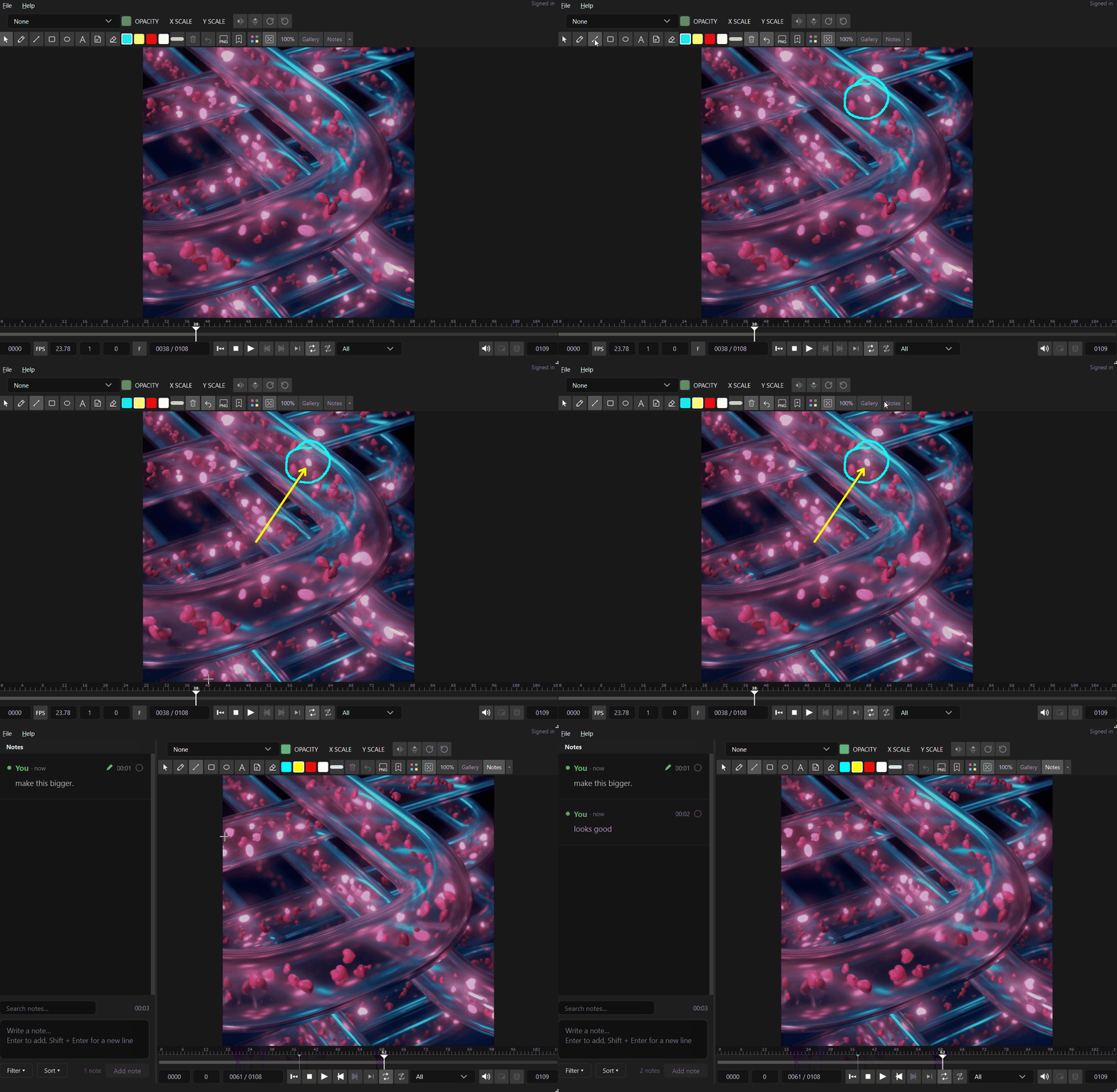
Notes and takes appear as cards in a panel shared with Media Browser and the canvas. For the full card workflow (takes, marking done, editing, Frame.io import) see Notes & markers.
Notes live next to the footage at …/ReelMarkr_data/Markers/<clip>.markers.json, so
Media Browser and the canvas read the same notes.
Chapters from a text file
Section titled “Chapters from a text file”Put a plain .txt file with the same name as the clip next to it, one chapter per
line as timecode plus title (00:00 Cold open, 8:16 The chase, 1:02:33 Finale). The
Player reads it live as light-blue, read-only chapter markers in the notes
view and on the timeline. Edit the file and the chapters update. Nothing is written
into your notes.
Use it when: reviewing a long cut you need to jump through section by section.
Draw on the frame
Section titled “Draw on the frame”Draw on the picture with pen, colors, and width. Your marks attach to the frame/note.
Overlay guides
Section titled “Overlay guides”Press G to toggle composition / safe-area guides over the picture.