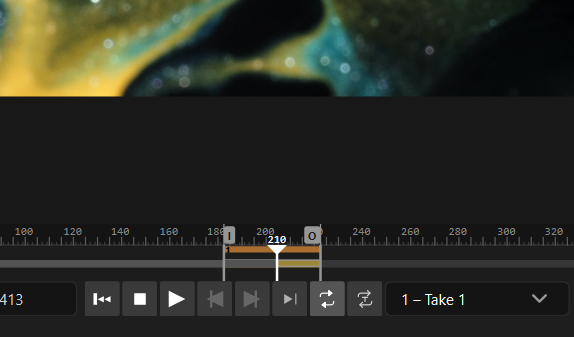
In/out points & takes
Mark a range with I (in) and O (out), then save it as a named take: the selects, the bad frames, a section to loop for a client.
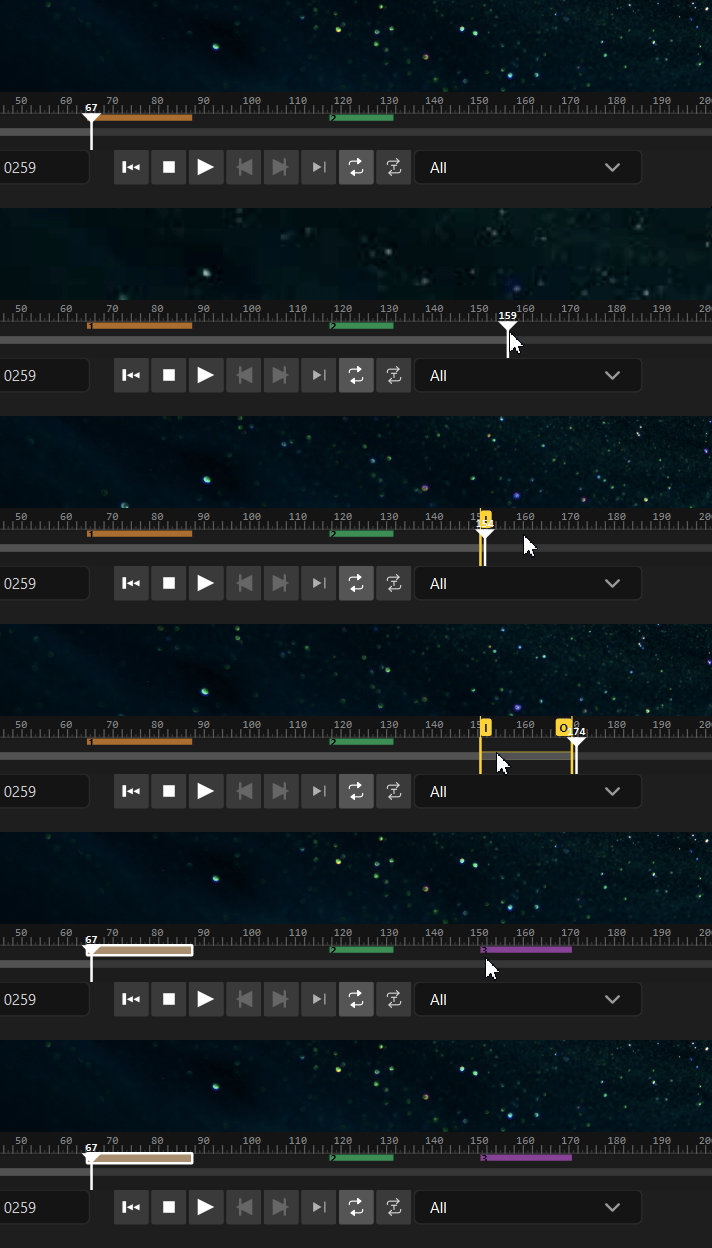
- Save the current in/out as a take.
- Loop a single take, or loop through all takes in sequence - clicking a take’s band on the timeline loops it directly.
- Edit a take to reload and adjust its in/out.
Take loops are gapless, and large 4K takes play and scrub in real time via an in-memory proxy. On the canvas, hovering a take card plays a low-resolution preview.
Takes live next to the footage at …/ReelMarkr_data/Takes/<clip>.takes.json, so they
open in Media Browser and on the canvas too.
Clear the deck
Section titled “Clear the deck”The takes menu has Clear All Takes, with a confirmation prompt.
Detect shots automatically
Section titled “Detect shots automatically”Shot detection finds every cut in the clip and populates a shot lane you can loop, edit, and convert to takes.
Export takes
Section titled “Export takes”File ▸ Export renders the current take, or all takes, to MP4 or GIF. The same actions sit on the timeline’s right-click menu. MP4 exports include the audio track, also in combined and watermarked renders. With no takes yet, the dialog explains how to create one. When a render finishes, ReelMarkr can reveal the exported file.